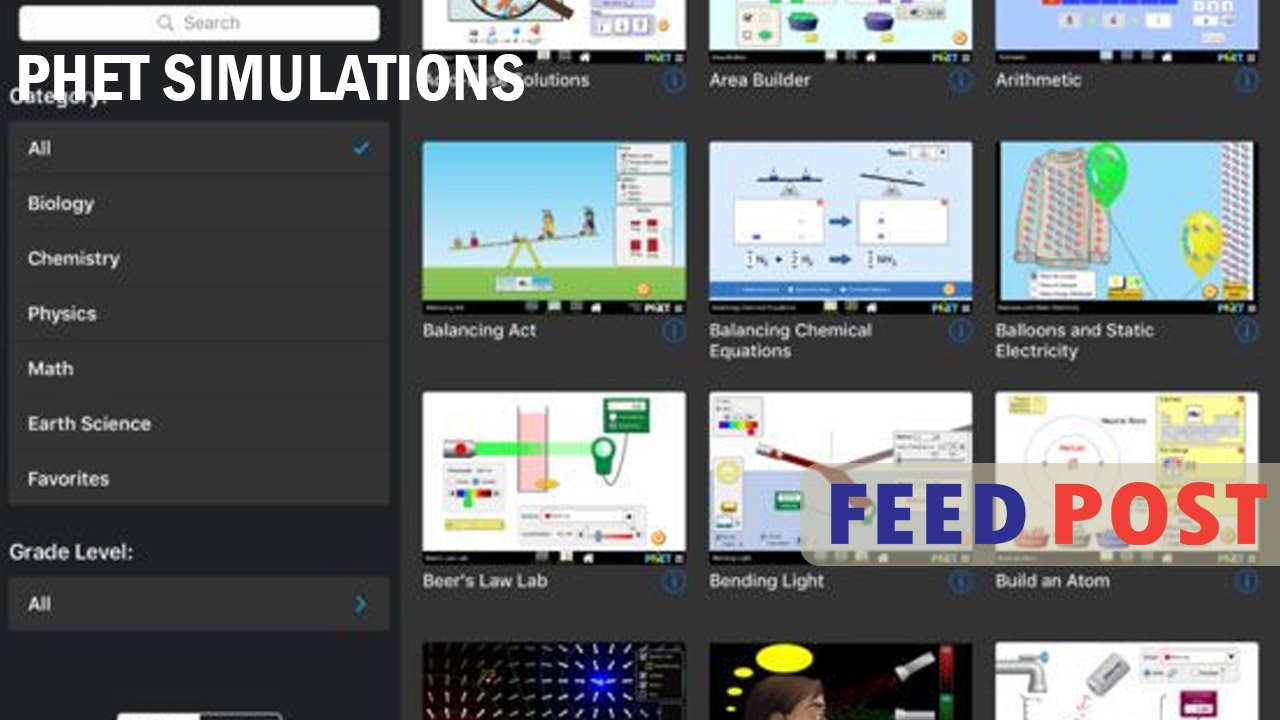
PhET Simulations are free online tools that let students explore science and math ideas through hands-on, interactive experiments. Created by the University of Colorado Boulder, these simulations turn hard topics like physics, chemistry, biology, and math into simple visual activities. Instead of just reading about a concept, students can move sliders, change variables, and watch results happen in real time. This guide explains what PhET Simulations are, how they work, and why so many teachers and students around the world trust them for learning.
The Origin of PhET Simulations
The PhET project started in 2002 at the University of Colorado Boulder. Nobel Prize winner Carl Wieman created it because he wanted a better way to teach science. He noticed that many students struggled to understand abstract ideas like atoms, forces, and waves just from textbooks.
The name PhET originally stood for Physics Education Technology. Over time, the project grew beyond physics and now covers chemistry, biology, earth science, and math. Today, PhET offers more than 170 simulations, and people have translated them into over 100 languages, making the tool useful for classrooms all over the world.
How PhET Simulations Work
Each simulation acts like a small virtual lab. Students can change one variable, like temperature or speed, and instantly see how it affects the outcome. For example, in a circuit simulation, a student can add a battery, a wire, and a light bulb, then watch how electricity flows through the circuit.
This approach is called learning through exploration. Instead of memorizing formulas, students test ideas themselves and build their own understanding. Teachers often use these simulations during lessons, and research shows this method improves both engagement and test scores compared to traditional teaching alone.
Subjects Covered by PhET Simulations
PhET covers a wide range of school subjects, so teachers at different grade levels can find something useful. The main categories include physics, chemistry, biology, earth science, and math. Physics simulations are the most popular, with topics like motion, energy, sound, and electricity.
Chemistry simulations let students mix virtual chemicals and see reactions without any real-world risk. Math simulations help younger students understand fractions, graphing, and geometry through visual models. Because the simulations match common school curriculums, teachers can easily fit them into daily lesson plans.
Why Teachers and Students Trust PhET
PhET Simulations stand out because every simulation goes through serious testing before release. The team studies how real students use each simulation and interviews them to find confusing parts. This research-based method means the simulations actually match how people learn, not just how they look.
Another reason for its popularity is that PhET is completely free and does not require an account to use. Schools with limited budgets can access the same quality tools as wealthier schools. This fairness has helped PhET reach classrooms in over 100 countries, with reports showing more than 200 million uses each year worldwide.
How to Use PhET Simulations in the Classroom
Getting started with PhET is simple. Teachers can visit the official PhET website and search for a simulation by subject or grade level. Each simulation page also includes teaching tips, sample activities, and learning goals, so teachers do not need to build lessons from scratch.
Students can use PhET simulations on school computers, tablets, or even at home for extra practice. Since the simulations work directly in a web browser, there is no need to download any software. This makes PhET a flexible tool for both in-person classes and online learning.
Conclusion
PhET Simulations make science and math easier to understand through free, interactive learning tools. Backed by real research and used in classrooms worldwide, they help students learn by doing rather than just reading. Whether you are a teacher planning a lesson or a student studying at home, PhET offers a simple way to explore complex ideas.
Frequently Asked Questions
Is PhET free to use?
Yes, all PhET Simulations are completely free, and users do not need to create an account to access them.
What subjects do PhET Simulations cover?
PhET covers physics, chemistry, biology, earth science, and math, with simulations designed for different grade levels.
Who created PhET Simulations?
Nobel Prize winner Carl Wieman started the PhET project in 2002 at the University of Colorado Boulder.
Do I need to download anything to use PhET?
No, PhET Simulations run directly in a web browser, so there is no software to install.
Are PhET Simulations good for online learning?
Yes, they work well for both classroom teaching and remote learning since students can access them from any device with internet access.
Unlock a world of new ideas and sharp commentary at Feed Posts.